Linux pre-beta · Wayland · Nix
The terminal for humans and agents to work together.
Your tools and coding agents share one native Linux workspace.
Linux pre-beta
An early pre-beta.
Eon is for people comfortable with Nix on native Wayland. Commands, configuration and behavior may still change between releases. This release targets x86_64 Linux. The Apple Silicon Mac preview is planned for v0.2.0.
Check supported environments and current limitsYou need Git, Nix with flakes enabled and a native Wayland session. To try the latest release, 0.1.29, install it and start Eon:
nix profile add --refresh github:Yazelix/eon/main
eon
main follows the latest release. Choose github:Yazelix/eon/edge for fixes before release. See how to update.
01 / Agents
Work with your agents.
Open your installed coding agent with Alt+Shift+L. Keep it in the project tab, then hide the popup while it works. Press Alt+Shift+H for the agent sidebar and Alt+G to jump to an agent that needs you.
Read about agents in the workspace and choose your agent client.

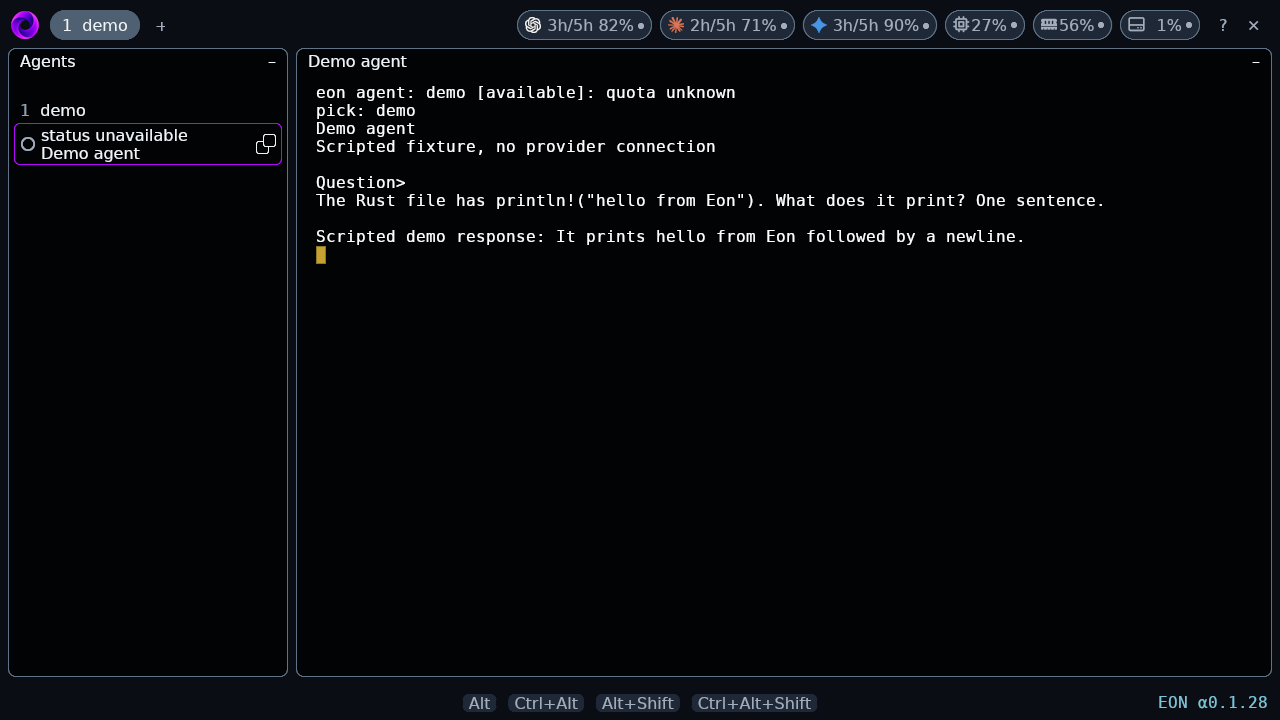
[bar] widgets. The recording uses synthetic quota readings from a fixture, with no account signed in. Recorded on Eon v0.1.28.Read about quota and sign-in02 / Durable terminals
Terminals keep running without the window.
Press Alt+Shift+D to hide Eon's window and keep your terminal processes running. Run eon window attach to return to the same work. Closing the window quits Eon. It asks first while a terminal is busy.
A machine restart ends live terminal state. Read about reattaching and stopping work, or find help with a lost window.
03 / Projects
Keep each project together.
Choose a directory for each tab. New panes start there. Arrange tools in up to four columns, stack panes and move between projects with the keyboard.
Read a text description of the demo
An Eon window fills a dark display. Tabs and quota chips run across the top, with the agent sidebar on the left and terminal panes on the right.
- Quick search opens for the first tab. Tab switches to Files, which opens inside a small Rust project named
demo. After highlighting a file, Alt+Enter uses its folder for the tab. - Alt+M adds two shell panes in the project, and Ctrl+Alt+K moves the newest pane up.
- New tabs open for the project's
srcanddocsdirectories. Thedocstab moves left and back, then focus returns todemo. - Alt+Shift+J opens LazyGit with the change to
notes.md: “Tabs and panes organize the work.” The popup then hides. - Alt+Shift+L opens the Agent popup with Demo agent, a scripted fixture without a provider connection. It receives a question quoting a Rust
println!statement, and its scripted answer reads: It prints hello from Eon followed by a newline. The recording ends with the answer and the agent sidebar in view.
Recorded on Eon v0.1.28, with synthetic quota readings. The detach clip shows Alt+Shift+D and reattachment. Closing the window quits Eon.
04 / Tools
Keep tools close.
Open Git, Files or Commands over the current tab. Hide the popup to return to your terminals. The Agent popup keeps your coding client there too. For a break, Alt+Shift+A opens Anima.
eonbase
Just need one terminal?
Use eonbase when one command needs a native terminal window. Its command keeps running when you close the window.
Read the eonbase guide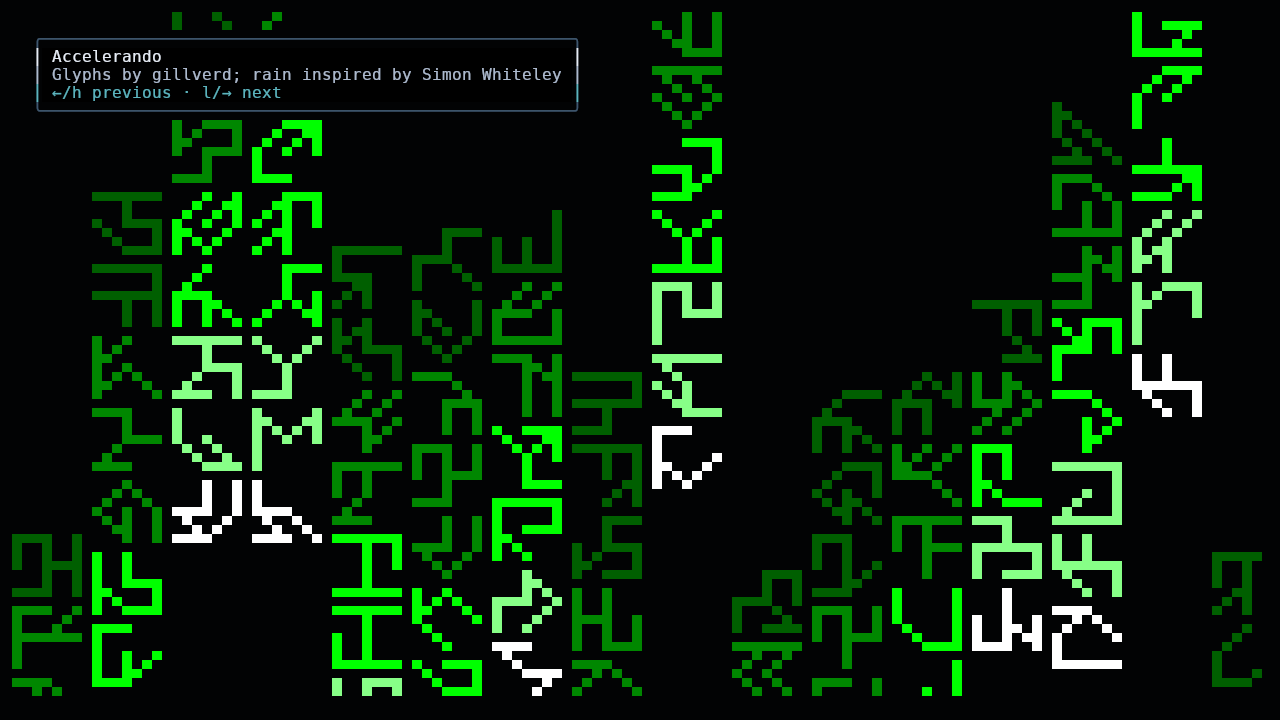
eon anima accelerando --big in its own native window. Recorded on Eon v0.1.28.Keyboard first
Move with h j k l.
Alt selects, Ctrl+Alt moves panes and Ctrl+Alt+Shift moves tabs. Alt+Shift also opens popups. Alt+/ shows every shortcut inside Eon.
| Layer | h | j | k | l |
|---|---|---|---|---|
| Alt | Column or tab left | Pane below | Pane above | Column or tab right |
| Ctrl+ | Move pane left | Move pane down | Move pane up | Move pane right |
| Alt+ | Toggle agent sidebar | Git popup | — | Agent popup |
Alt+/ lists every shortcut. Alt+Shift+B shows or hides the bottom hints bar, which keeps common keys in view.